Make your own wedding audio guestbook: three honest routes

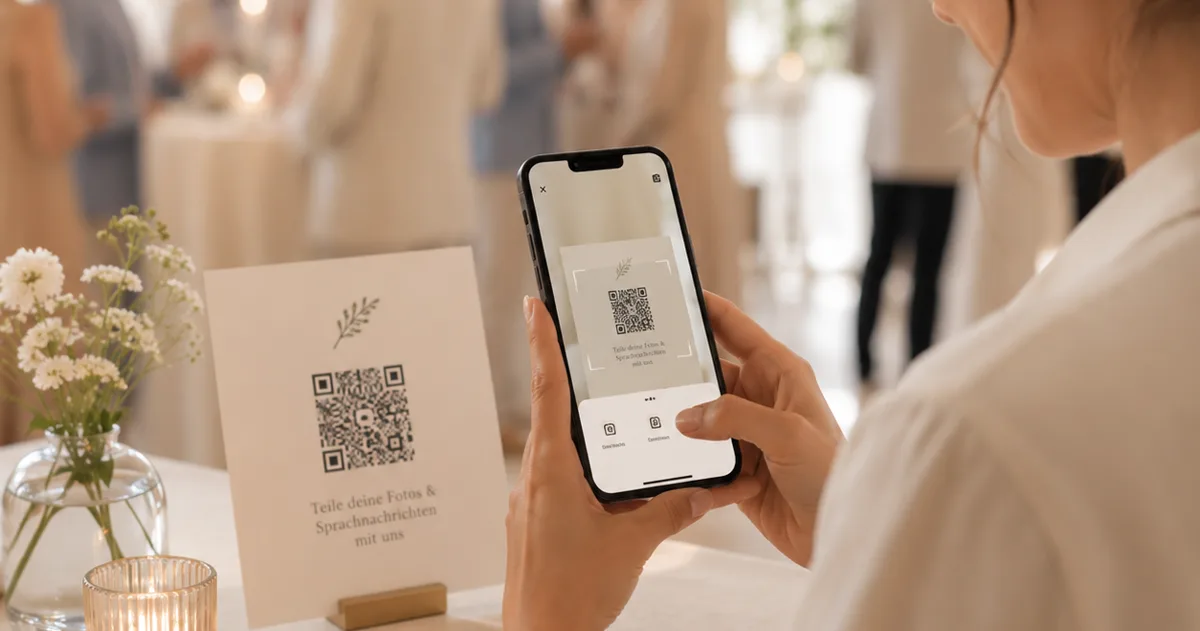
You can build a wedding audio guestbook yourself, and there are three honest routes: a spare phone running a voice recorder app, a converted vintage handset with a recorder inside it, and a QR code that records in each guest’s own browser. The first two gather everything on one device that one guest uses at a time. The third records from everyone at once. Choose by how many voices you want to hear, not by how the object looks.
- Spare phone with a recorder app: the cheapest route, needs someone watching it, and records one guest at a time.one device
- Converted handset: the picture most people have in mind, and the route with the most that can go wrong. The handset records nothing; the device you put inside it does.build required
- QR code in the browser: every guest records at the same time from their own phone, with nothing to charge or guard.all at once
- Whichever you pick, decide before the day where the files land and who copies them off.backup first
The wish behind building it yourself is rarely only the price. It is the picture of the aunt who is too shy to say anything in front of everyone, murmuring into a handset what she would never have written in a book. Those recordings are what couples still play years later. The build around them is a side matter, right up until it does not work on the night.
This guide walks through the three routes that actually exist, what each one needs, and what goes wrong in practice. Disclosure: Gathmo is our own product and appears in the last section. A rented phone is not a bad thing, incidentally: it is a different experience, and our rental versus QR audio guestbook comparison keeps the price side current in one place.
What do you actually need for an audio guestbook?
Three things: something that records, something that invites the guest to speak, and somewhere the files will be afterwards. Everything else is decor. Most build guides cover only the first and leave you alone with the third, and that is exactly where wedding recordings get lost.
The decisive technical point first, because it sinks most projects: a rotary telephone records nothing. It is a handset, a microphone and a mechanism. The recording comes from a device you fit inside it, whether that is a small recorder, a single-board computer, or a phone hidden in the casing. Buying a set at a flea market and expecting it to keep messages is buying the scenery rather than the function.
Almost everyone underestimates the invitation to speak. With no question in view, guests say congratulations to you both and hang up. With a question, such as what was the moment you knew they belonged together, the same people talk for two minutes. Ready-made wording sits on our audio guest book page.
And the storage decides whether the recordings still exist in a year. A recorder with a memory card is a single object that can be lost, and a card nobody empties. Decide in advance who copies the files to two separate places the next day. That one decision saves more wedding recordings than any purchase does.
Route one: a spare phone and a voice recorder app
This is the cheapest and the most reliable build. You need a phone you can spare, a recorder app, a power cable with a socket in reach, and a sign carrying the question. Nothing to solder, no delivery time, nothing that jams the evening before.
Put the phone in flight mode so no call interrupts a recording, turn off the automatic screen lock, and stand it on something that stops it sliding. A wired earphone with a microphone helps more than you would think: guests speak closer and more quietly, and in a loud room that is the difference between intelligible and unusable.
The limits are worth saying plainly. It is one device, so one person speaks at a time, and either a small queue forms or, more often, none does, because nobody wants to wait. Somebody has to glance over now and then to see whether the recording is still running. And if a guest taps stop instead of save, nobody notices until the next day.
If you take this route, pick an app that saves each message as its own file rather than one long one. A six-hour recording with 30 messages inside it becomes an editing job nobody does. And test it at home with music playing, not in a silent kitchen.
Route two: converting a vintage handset
This is the route for people who care about the object. It looks best in the photographs and it needs the most lead time. Budget a weekend of work, and a second one in case something does not fit.
The build is always the same: a casing, a microphone in the handset, electronics that notice when it is lifted, something that records, and power. The parts come from a kit, or you pair a small recorder with the microphone already there. The trigger is the crucial piece: without a contact that reacts to the handset being lifted, the recording either runs constantly or never runs at all.
Three things fail most often. Sound first: microphones in old handsets were built for speech down a telephone line rather than for a recording, and they come out muffled. Power second: a battery meant to last eight hours often manages four. And the greeting third: with no announcement recorded into the handset, guests do not know when to start, and half the message is missing.
A converted handset is still a lovely thing, and rental companies are doing nothing wrong: they deliver the same experience ready-made and tested. The difference from a home build is not quality but who carries the risk if something gives out on the night. If you want the phone and not the risk, renting is the sensible answer.
What is an audio guestbook phone box?
A phone box is the rented version of everything above, delivered as one object. A supplier ships a converted handset, often a rotary telephone, in a case, with the recorder already inside, the hook switch already wired and a greeting already recorded. You plug it in, stand it on a table, and post it back afterwards. The recordings arrive as files a few days later.
The phrase is worth naming because it describes a product rather than a method, and the two get confused constantly. If you are looking at phone boxes, you are really choosing between renting and building the same object. Renting removes the weekend of work and the risk of a flat battery halfway through the evening; building keeps the handset afterwards and costs parts rather than a fee. Neither one gives you what a code on every table gives you, which is 30 people recording at the same time.
What goes wrong on the night, and how to prevent it
Everything below has happened, and none of it is an exotic case. Each point has a countermeasure that costs ten minutes beforehand.
- The battery has been flat since dinner. Countermeasure: mains power rather than a battery, and a socket within reach of the table plan.
- The recording was stopped and never restarted. Countermeasure: name one person who checks every hour, a witness rather than you.
- It is too loud. Countermeasure: put the station in a side room or a corner away from the music, never beside the speakers.
- Nobody knows what to say. Countermeasure: a specific question on the sign, not an instruction along the lines of say something nice.
- Everything sits on one device that someone takes home or loses. Countermeasure: copy to two separate places the next day, before anything else happens.
The last point costs the most because it cannot be repaired. Other guests have photographs too; a voice recording exists exactly once. If you take only one precaution, take that one: the day after has a job, and the job is copying.
When to build, and when to use a QR code instead
Building is worth it when the object is meant to be part of the party. A telephone on a side table draws the eye and starts conversations, and that conversation is itself the reason guests take part. If that is what you want, build it, and assign one person to watch over it through the evening.
A QR code is the better answer when you want as many voices as possible. Every built solution is one device, and one device is a queue. A code on each table means 30 guests can speak at the same time, each into their own phone, in a quiet minute, with nobody watching, which is precisely what gets the shy ones talking.
Disclosure: Gathmo is our product. It records voice messages in the browser, with no app and no account, and puts them in the same private album as the photos and video from the evening. How that works without renting a phone is covered in the digital voice guestbook, and what each plan includes is on pricing. If what you want is the object on the table, building it is not a worse route, only one with more jobs left to you.
Frequently asked
No. A rotary telephone has no recorder in it, only a microphone and a mechanism. The recording comes from something you fit inside: a small recorder, a single-board computer, or a phone hidden in the casing, plus a contact that reacts to the handset being lifted.
The price depends entirely on the route. A spare phone with a recorder app costs nothing if you already have the phone. Converting a handset costs parts plus a weekend of work. Rental prices are kept current in one place, in our rental versus QR audio guestbook comparison.
One to two minutes is the point where guests say something personal without feeling obliged. Shorter stays at the level of congratulations; much longer produces recordings nobody listens to the end of. A specific question on the sign works better than any stated time limit.
Not for a build on a single device, which stores locally. Yes for a QR code, because the recording is uploaded from the browser. Check the mobile signal in the room beforehand rather than on the night, and have the venue wifi ready as a fallback.
 Guide
GuideHow to share wedding photos with guests: one link, two sends
Getting your wedding photos to every guest: one link with no app, two sends, and an expiry date you name up front so people actually open it.
 Guide
GuideDifferent wedding reception ideas: 40 ways to break the template
Forty different wedding reception ideas sorted by what they change: the format, the running order, the food, the traditions and the record you keep.
 Guide
GuideSmall Wedding Reception Ideas: 21 That Work Under 50 Guests
Twenty-one small wedding reception ideas for 20 to 50 guests, plus the three things that break when you shrink a big reception, and a timeline that fits.