Dashboard
Dashboard functions
Find event settings, QR tools, album controls, live wall, downloads, and insights.

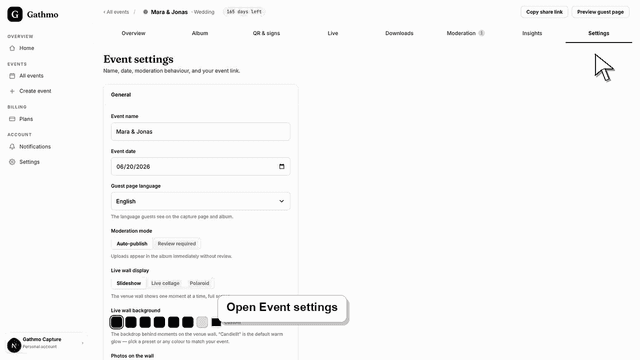
Change a Gathmo event name, date, language, or link from the dashboard, then re-check the guest page and shared QR materials.
Written by Martin Freiwald · Updated 8. juli 2026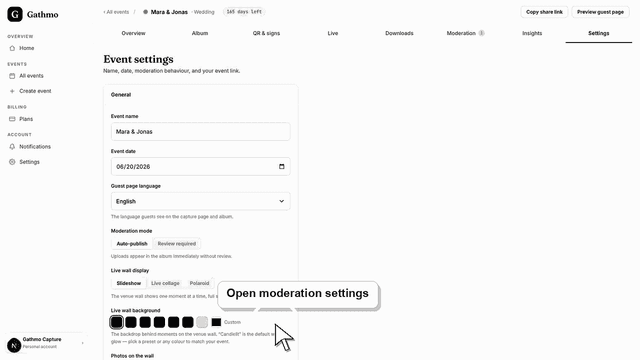
Change Gathmo moderation after creating an event, understand what happens to pending uploads, and test the gallery again.
Written by Martin Freiwald · Updated 8. juli 2026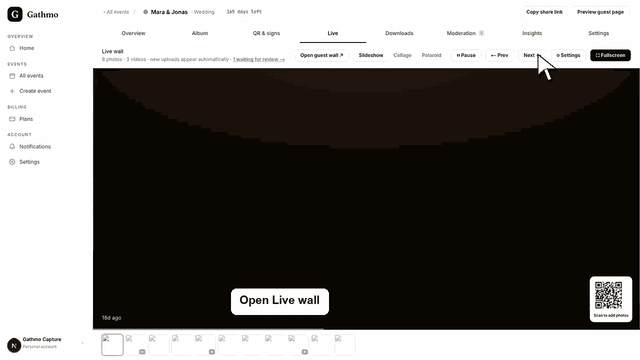
Configure the Gathmo live wall for an event screen, choose the right visibility settings, and test the display before guests arrive.
Written by Martin Freiwald · Updated 8. juli 2026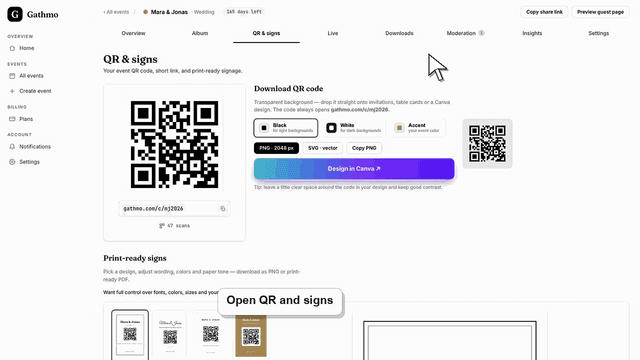
Customize a Gathmo event with its name, accent color, upload settings, album visibility, and QR sign; business plans add logos, brand colors, and domains.
Written by Martin Freiwald · Updated 13. juli 2026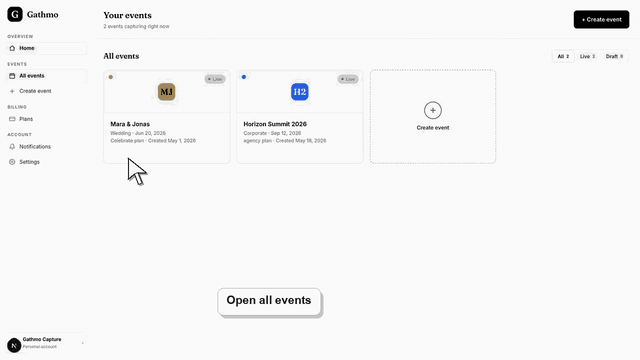
Navigate the Gathmo event dashboard and find the core areas for uploads, QR codes, settings, moderation, downloads, and event links.
Written by Martin Freiwald · Updated 8. juli 2026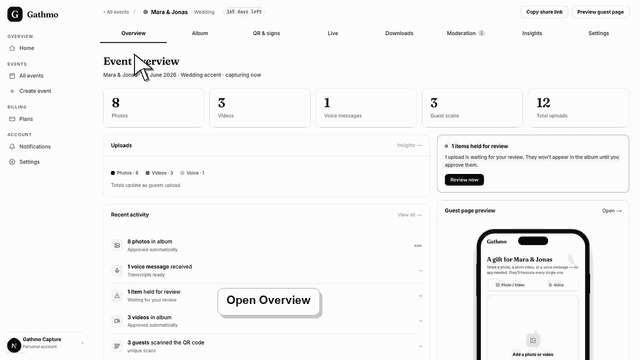
Understand the Gathmo event overview: photo, video, voice, guest scan, and upload counts, the activity feed, moderation alert, and the guest page and QR panels.
Written by Martin Freiwald · Updated 9. juli 2026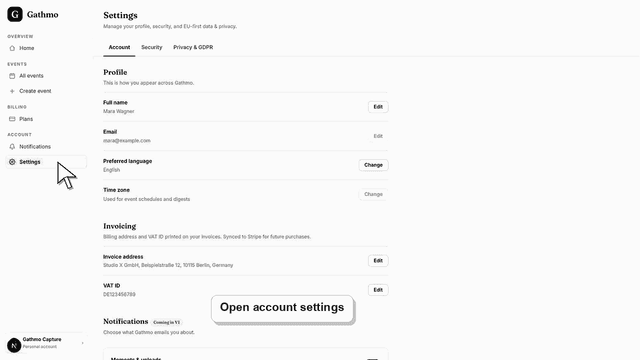
Change your Gathmo profile name and account language, review the email on file, manage active sessions, and find where billing details are edited.
Written by Martin Freiwald · Updated 9. juli 2026Use the Gathmo QR sign designer to create event signs, check the QR code, preview the design, and export print-ready materials.
Written by Martin Freiwald · Updated 8. juli 2026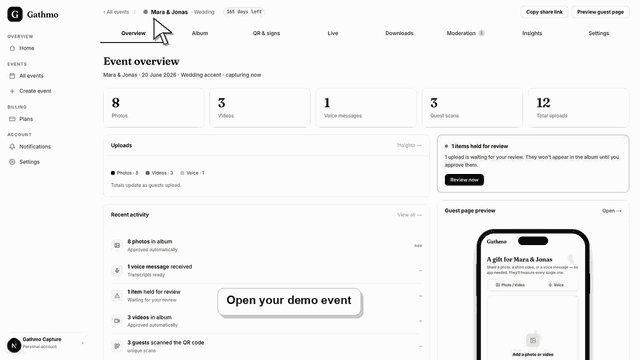
Gathmo seeds a read-only demo event on signup. Learn why Settings, Downloads, and album controls are disabled in the demo, and how to unlock them with your…
Written by Martin Freiwald · Updated 9. juli 2026Related areas